Make any audio or video file louder — right in your browser
Drop in a track that is too quiet and hear it get louder immediately — up to five times, with a limiter so it stays clean. Bass boost and a five-band equalizer are right here too. Everything runs inside this tab, so your file never leaves your device.
Sound Studio
Volume, bass and equalizer — the app, in your browser.
Drop an audio file here
or click to choose one · MP3, WAV, M4A, AAC, OGG, FLAC · nothing is uploaded
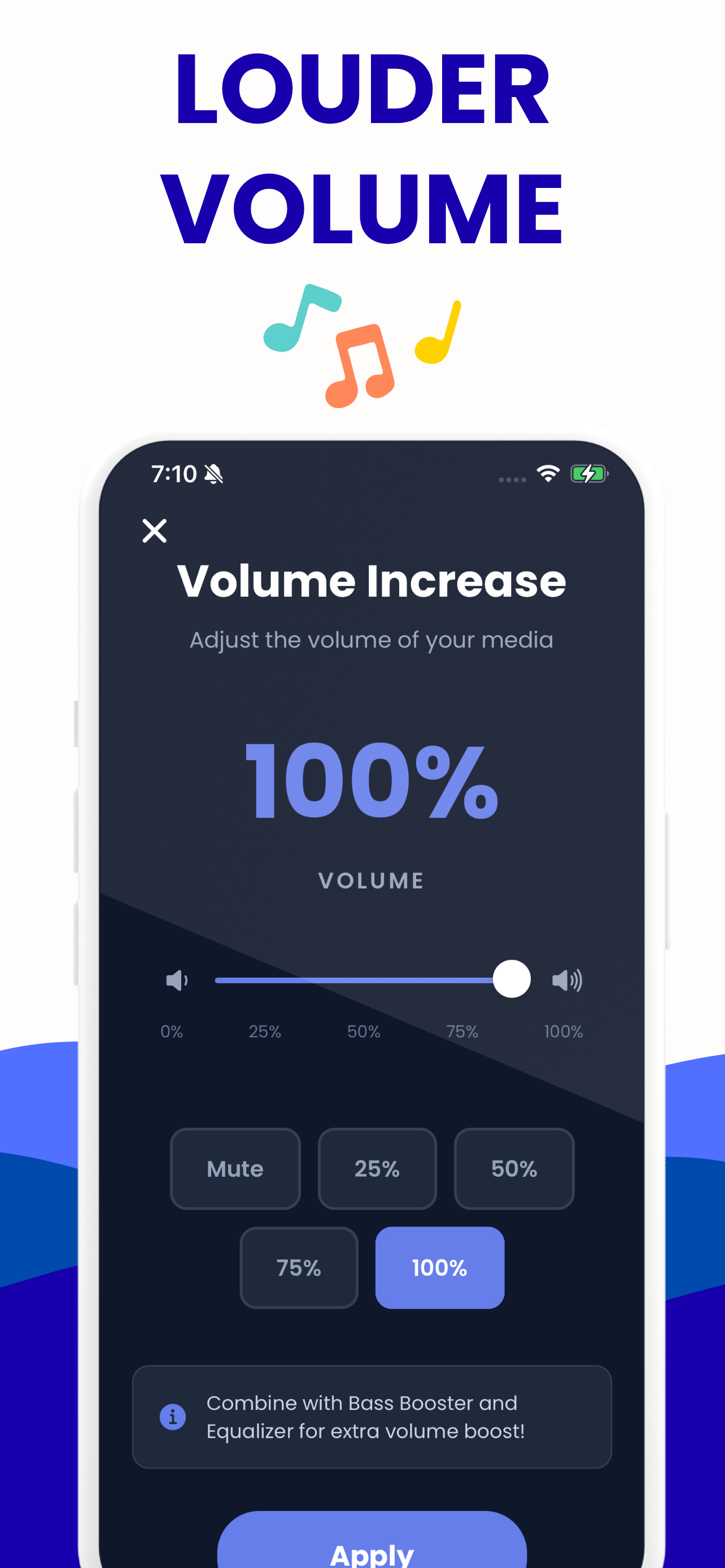
100% is the file untouched. The app goes to 200%; here you can push to 500% with the limiter holding the peaks.
Delivering somewhere specific? These set the volume to hit that platform's loudness target.
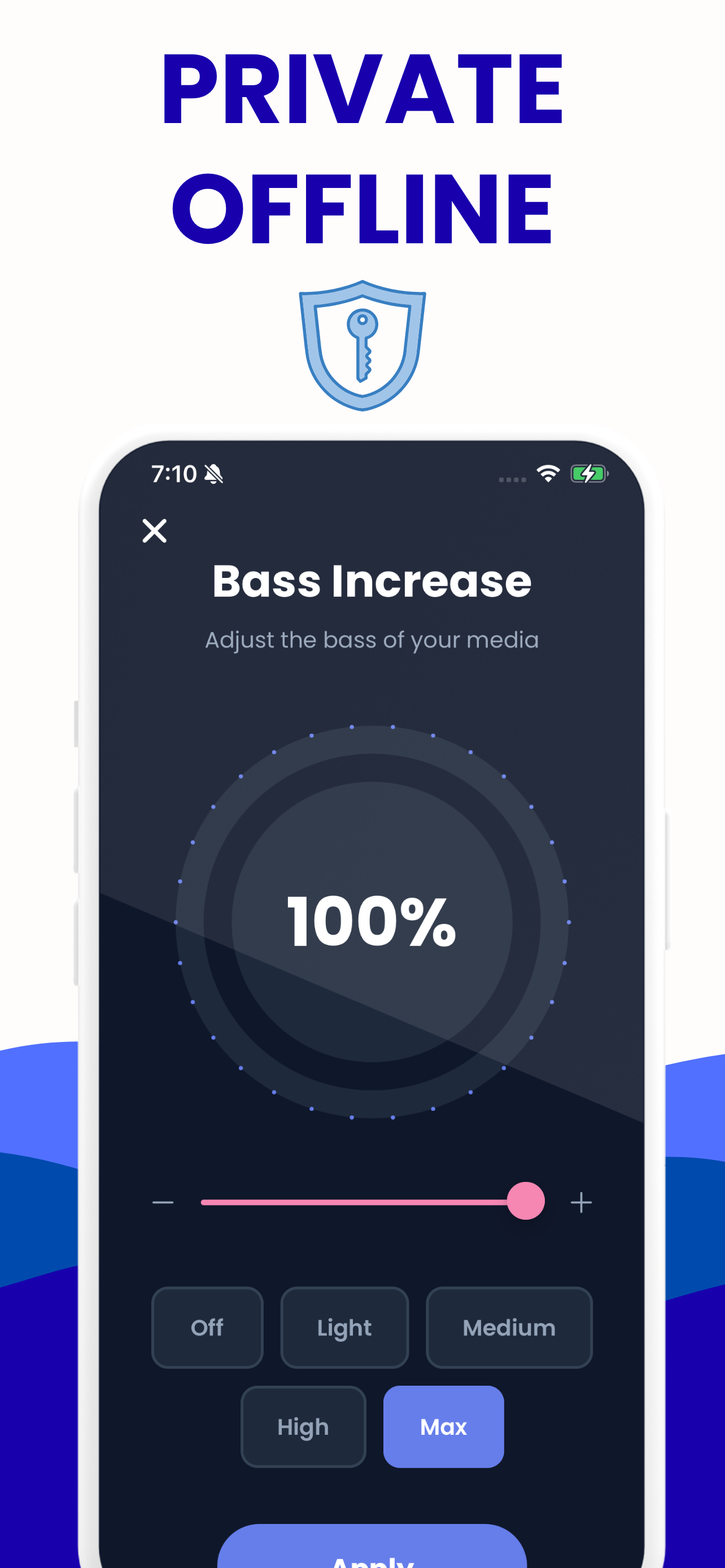
A low shelf under 120 Hz, up to +12 dB. It lifts the bass only — the rest of the track stays where it was.
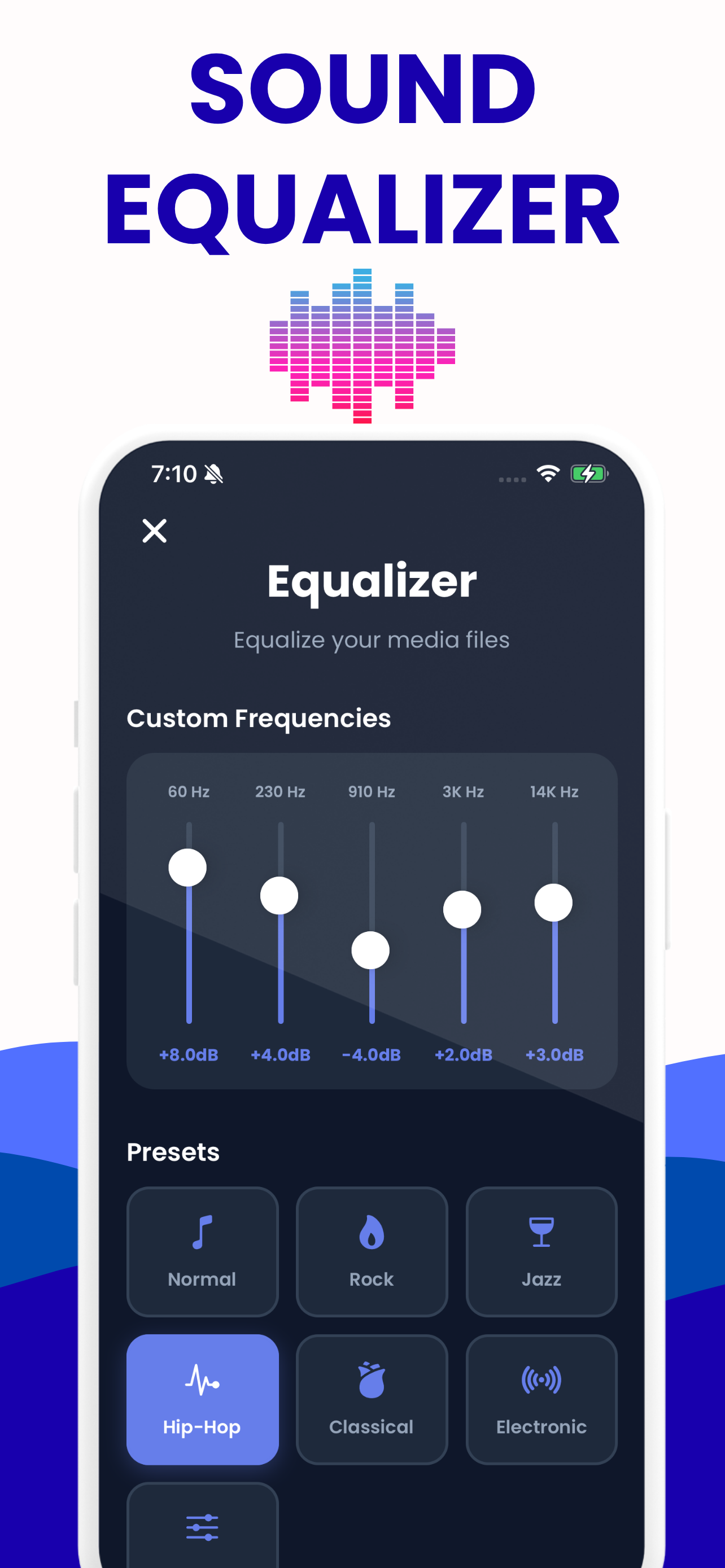
The same five bands as the app — 60 Hz, 230 Hz, 910 Hz, 3 kHz and 14 kHz — with the same preset values, so a mix you build here sounds like the one you build on your phone.
Pick the tool for the job
Each one is the same engine with a different set of controls in front of it.
Volume Booster
Make an MP3, WAV, M4A or FLAC louder in your browser.
Open the tool →Bass Booster
Add real low end to any song in your browser: a true low shelf to +12 dB, five presets, level-matched A/B so you hear tone not loudness, and a WAV download.
Open the tool →Equalizer
A real 5-band EQ in your browser: 60, 230, 910, 3000 and 14000 Hz at up to 12 dB, genre presets with published values, live preview and a WAV download.
Open the tool →Video Volume Booster
Load an MP4 or MOV, hear the audio boosted up to 500%, add bass and EQ, then export the louder audio track.
Open the tool →How it works
Three steps, no account, no waiting on an upload.
Choose your file
Drag an MP3, WAV, M4A, AAC, OGG or FLAC onto the box — or a video, on the video page. It is read straight off your disk into the browser tab; there is no server in this picture at all.
Turn it up and listen
Move the volume, bass and EQ sliders and hear the change immediately. Smart Boost reads the file's actual peak level and tells you exactly how far you can push before anything distorts.
Save the louder copy
Your settings are rendered through the same processing chain and downloaded as a WAV. The original file on your disk is untouched.
Why this one is different
Most "make audio louder" sites upload your file, cap the length, and multiply the gain until it crunches.
Your file stays put
The processing runs as JavaScript in your tab. Turn off Wi-Fi after the page loads and the tool still works — that is the test, and it passes.
It tells you the truth
Before you touch a slider it measures peak, RMS and headroom, then names the loudest setting your file survives with zero clipped samples.
Loud without the crunch
A soft limiter rounds off peaks instead of chopping them square. That is the difference between "louder" and "distorted", and most boosters skip it.
No limits, no watermark
Any number of files, any length your device can hold in memory. Nothing to sign up for and nothing stamped on the output.
Same settings on your phone
The app uses these exact bands and preset values, so a Hip-Hop curve here is the Hip-Hop curve there.
Faster than real time
Export renders offline, so a five-minute track is processed in a couple of seconds rather than five minutes of playback.
The app it came from
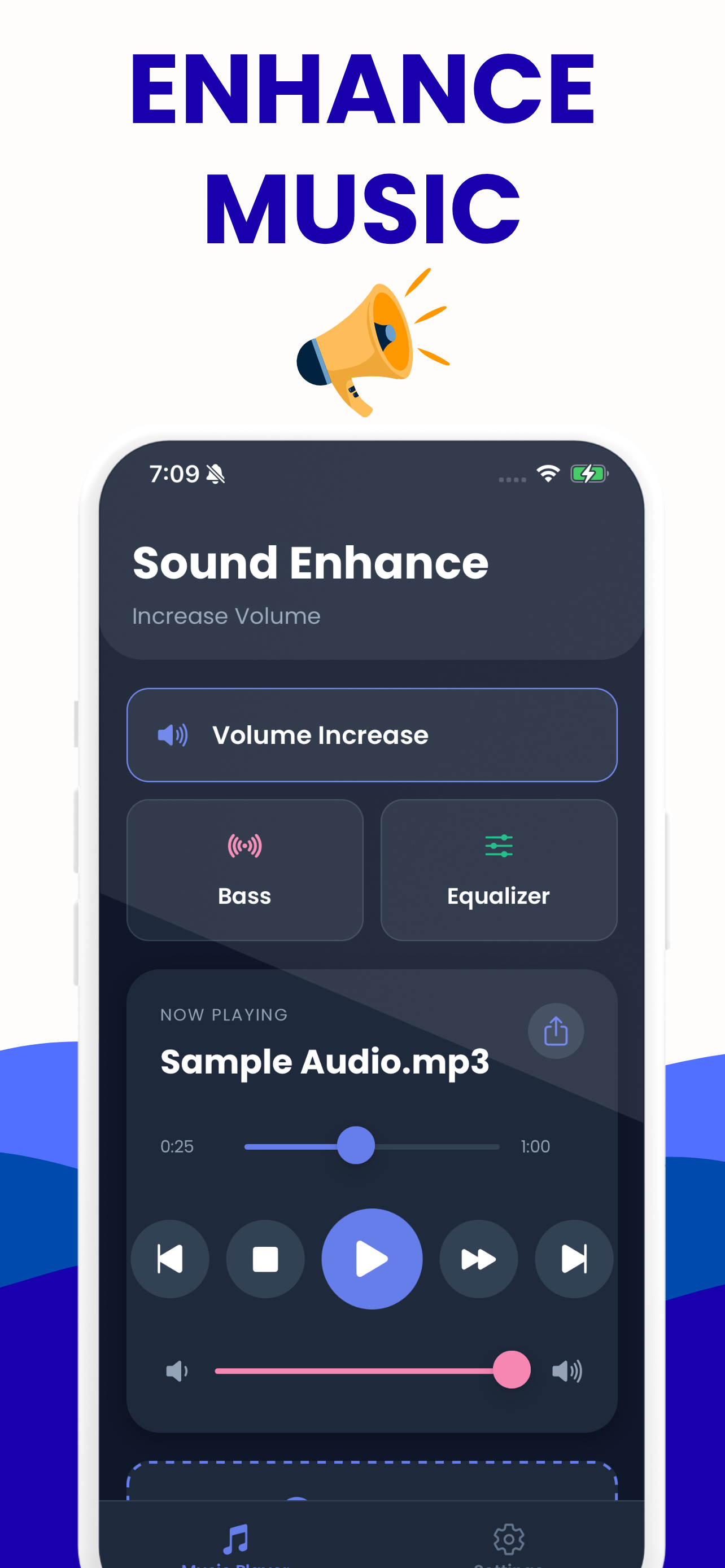
Increase Volume: Sound Enhance on iPhone and Android — the same controls, plus your library and saved settings per track.

Guides
Straight answers to the questions that bring people here.
How to make audio louder without losing quality or distortion
If I turn this up, will it sound distorted and ruin the file?
Read the guide →How to make a video louder (and what each method actually caps at)
The audio on this video is way too quiet — how do I permanently make the video itself louder?
Read the guide →Best equalizer settings for bass — with the numbers, and a way to hear them
What numbers should I actually put on my equalizer sliders to get more bass without it sounding like mud?
Read the guide →Do volume booster apps actually work?
Are these things real, or is it a scam that just moves the same slider?
Read the guide →Why is my video's audio so quiet — and can this clip be saved?
I recorded this fine — why does it play back so quietly compared to everything else on my phone?
Read the guide →Screen recording audio too quiet — how to fix the recording you already made
I recorded my screen and my voice is almost inaudible in the file — how do I make the recording louder?
Read the guide →Your Zoom or Teams recording is too quiet — fix the saved file
The Zoom recording I need to share is almost inaudible — can I boost it after the fact?
Read the guide →Voice memo too quiet — how to rescue the recording you already made
I recorded an important conversation and I can barely hear it — can it be saved?
Read the guide →5-band equalizer settings chart (60 / 230 / 910 / 3000 / 14000 Hz)
Just give me a table of what to set each slider to for each type of music.
Read the guide →Questions people actually ask
Short answers here, the full story in the guides.
Can this make my phone or laptop volume louder?
No, and no website can. A browser page has no access to your device's volume ceiling, and on iOS no app can exceed it either. What we do is make the audio FILE louder, so it stays loud wherever you play it — in any app, on any speaker, in the car. If every file sounds quiet, it's a device problem; if only one file is quiet, we can fix that in about 20 seconds.
Will boosting the volume ruin the audio quality?
Turning up the gain is a lossless operation on the samples themselves, so the boost isn't what damages the file. Quality is lost two ways: clipping if you push past 0 dBFS, and re-encoding to a lossy format afterwards. Our limiter prevents the first and the WAV export avoids the second. A live peak meter shows you exactly where the limit is on your file.
Do you upload my file to a server?
No. Everything runs in your browser tab using the Web Audio API, so the file never leaves your device. Don't take our word for it: open DevTools, watch the Network tab while you process, and you'll see nothing carrying your file goes out. That also means no size cap, no upload wait and no queue.
How much can I boost audio before it starts distorting?
It depends entirely on how much headroom your file has. Already-mastered music often has only about 3 dB left before it clips, while a quiet voice recording usually takes +6 to +12 dB comfortably. Aim for a peak around -1 dBFS and leave the limiter on. The meter on the page tells you your file's actual headroom instead of guessing.
Why is my video's audio so quiet when I recorded it fine?
Phone cameras ride the mic gain down automatically in quiet rooms to avoid clipping, and a finger or case over the bottom mic array costs several dB more. On newer iPhones the camera's Record Sound / Audio Zoom setting matters too. None of that can be undone on the phone afterwards — the recording itself needs gain, plus a speech lift if it's dialogue.
How do I make a Zoom or Teams recording louder after the meeting?
Load the saved MP4 or M4A here, boost it, and add a presence lift around 3 kHz — for conference audio that does more for intelligibility than raw volume. It runs entirely in your browser, which matters twice over: you don't need install rights on a locked-down work laptop, and the recording never leaves your machine.
What are the best equalizer settings for more bass?
A gentle lift of roughly +3 dB around 60 Hz with smaller lifts either side beats cranking one slider to maximum. The counterintuitive part: cutting 200-600 Hz often makes bass more audible than boosting it, because the low-mids were masking it. Our EQ page loads each setting live so you hear it on your own song instead of guessing.
How do I make a bass boosted version of a song?
The YouTube bass-boosted sound is a low shelf around 60-250 Hz, usually with a touch of saturation for the crunch, then a limiter so it doesn't collapse into mush. You can do it here in three clicks with no Audacity install. We publish the exact dB values, including a deliberately extreme preset if that's the sound you're after.
Why is my voice memo too quiet to hear?
Usually the mic was too far from the speaker and automatic gain control recorded conservatively. Nothing on the phone fixes a memo that's already recorded. Most quiet voice recordings take +6 to +12 dB comfortably — and lifting 910-3000 Hz is what makes the words intelligible, which raw volume alone doesn't do.
What LUFS should I normalize to for Spotify or YouTube?
About -14 LUFS for Spotify, YouTube, TikTok and Instagram, -16 for Apple Podcasts, and -23 for EBU broadcast. That's also why a quiet upload sounds even quieter after posting: the platform normalizes it. Loudness normalization plus limiting before you upload is the real fix, not raw gain.