Increase Volume: Sound Enhance for iPhone
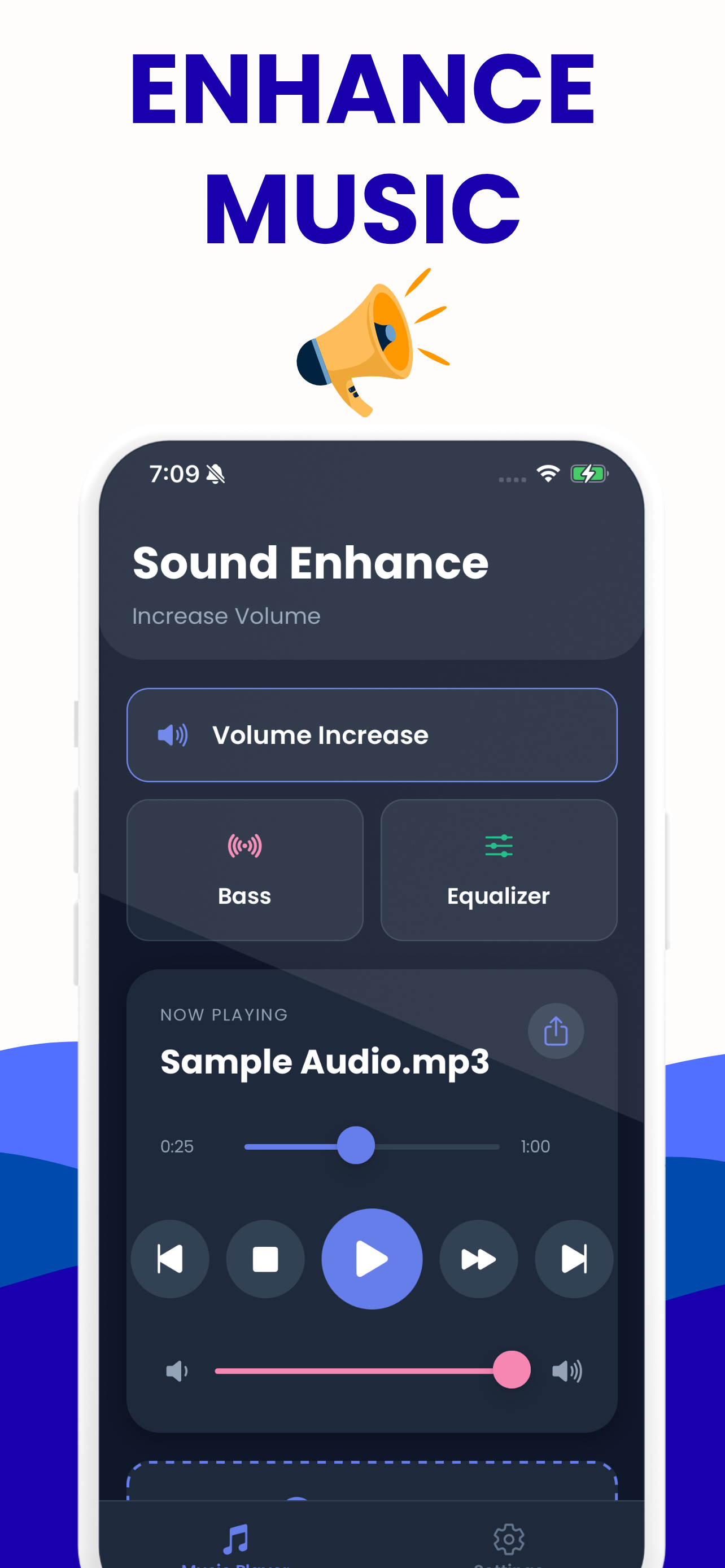
Increase Volume: Sound Enhance is a free iPhone app that makes quiet audio files properly loud — up to 200 % — with bass boost, a five-band equalizer, and an export that saves the enhanced copy to Files or straight into another app.
What you get
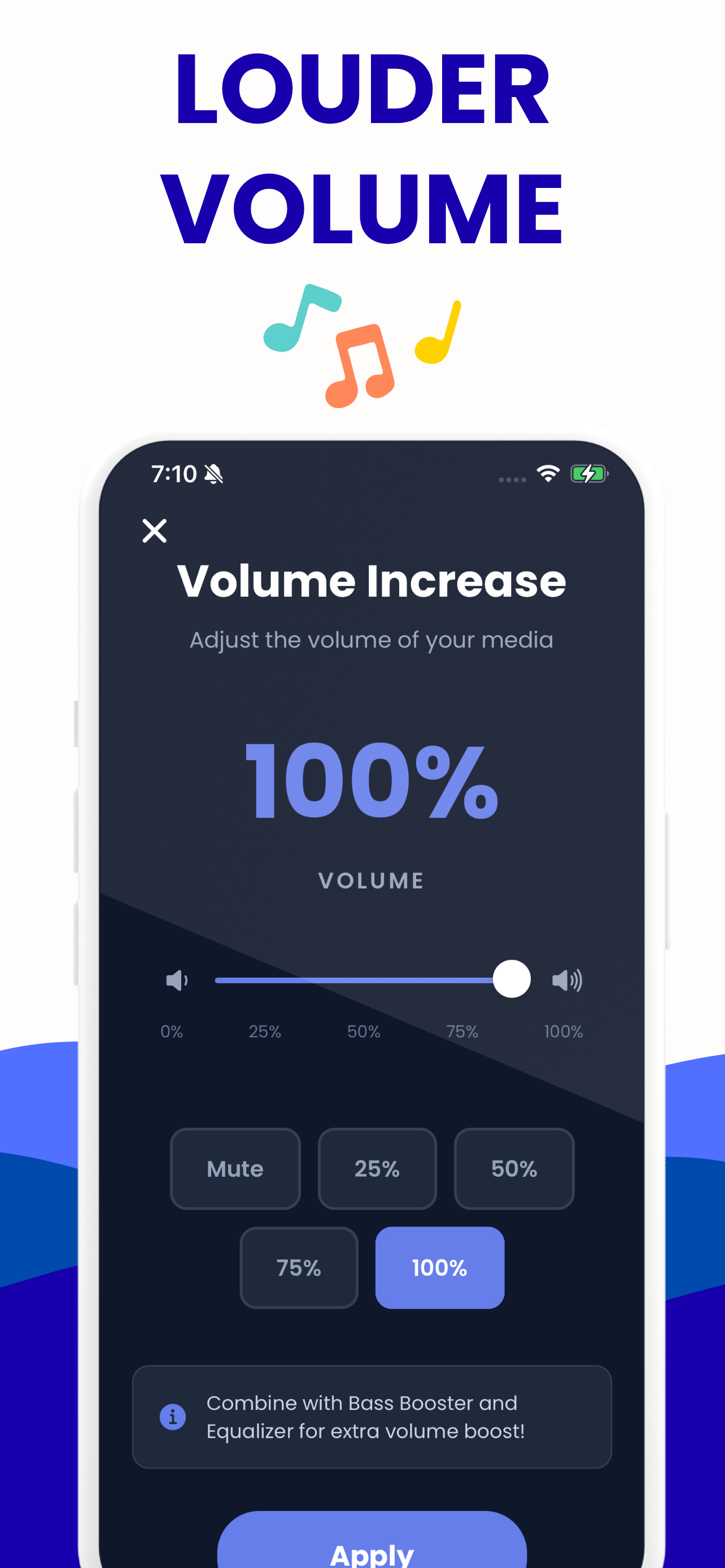
Volume up to 200 %
A slider plus one-tap presets at 50 %, 100 %, 150 % and 200 %. The level you set is applied to the file itself, so it plays louder everywhere — not just inside the app.
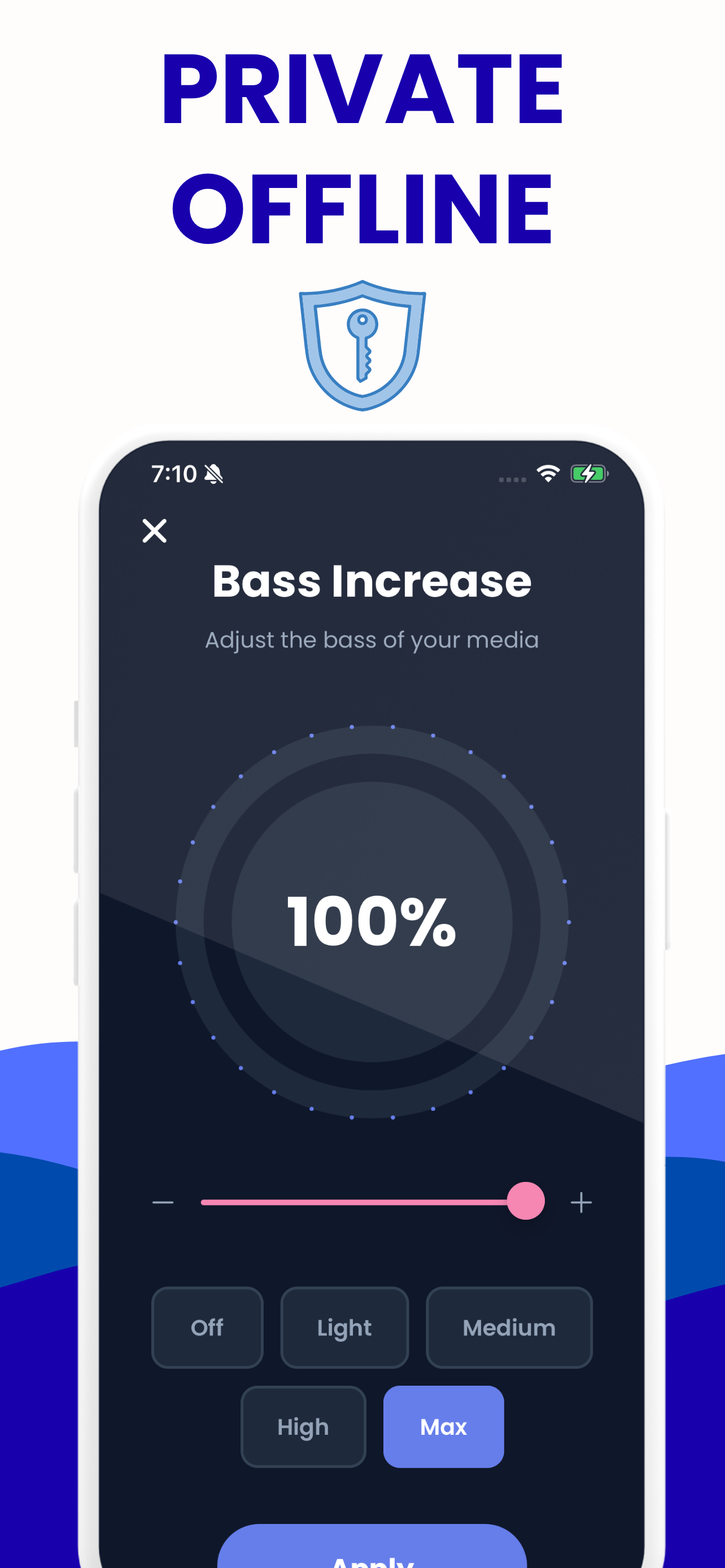
Bass boost
Five steps from Off to Max for when a track sounds thin on your headphones or in the car.
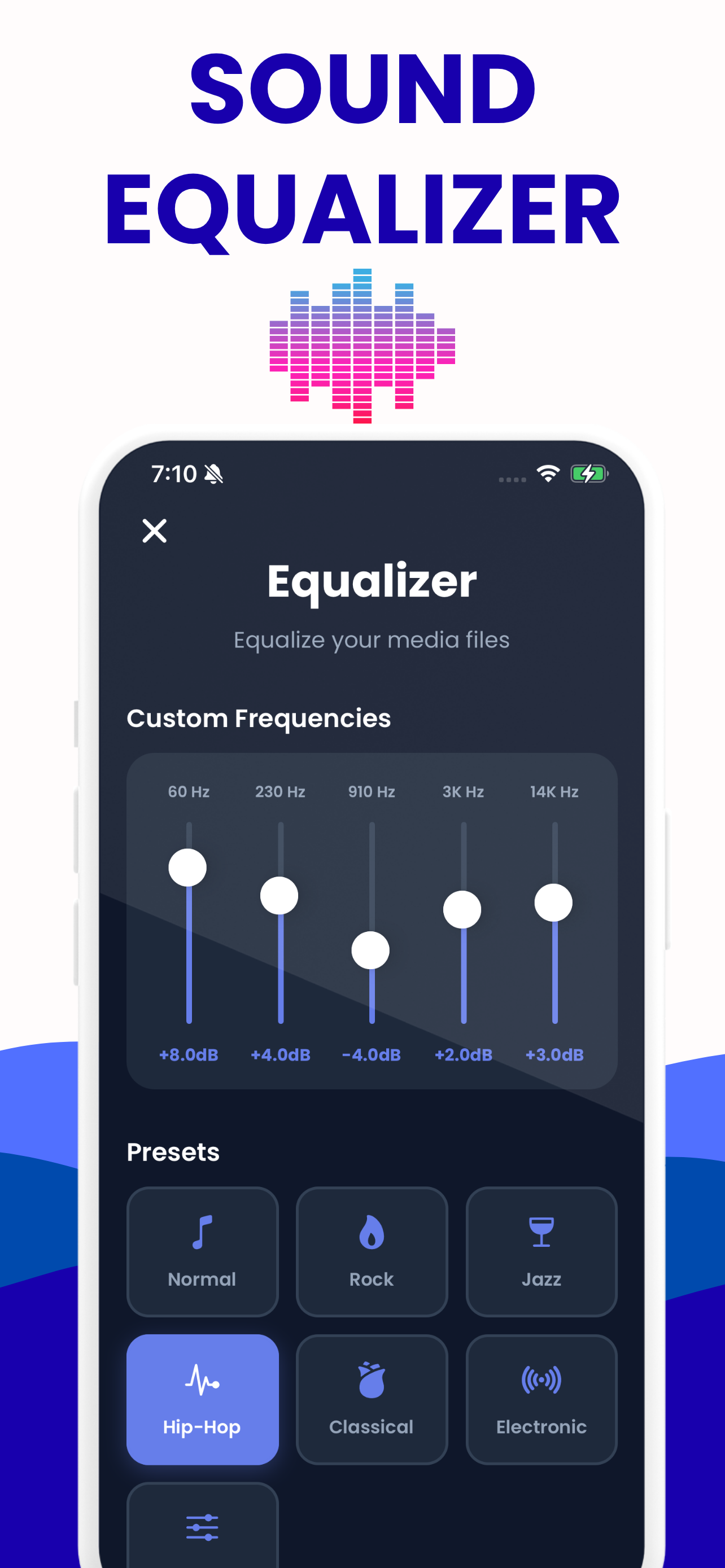
Five-band equalizer
60 Hz, 230 Hz, 910 Hz, 3 kHz and 14 kHz, with presets for Rock, Jazz, Hip-Hop, Classical and Electronic, plus a fully custom curve.
Your own library
Import files from Files, iCloud Drive or another app and keep them in one place, with your settings remembered per track.
Export and share
Render the file with your settings applied and save or share the result — a real processed audio file, not a playback trick.
Works offline
Everything is processed on the device. No account, no upload, no network needed.
What it is for
You have a file that is too quiet. A voice memo, a lecture recording, an audiobook chapter, a song that was mastered far below everything else on the playlist, a WhatsApp voice note you can barely hear. Increase Volume loads it, lets you push the level up, shape it with bass and EQ, and save a louder copy that behaves normally from then on.
That is a genuinely different thing from a "volume booster" that only makes sound louder while you are inside the app. Because the export writes a new audio file with your settings baked in, the result plays at that level in your car, in your podcast app, on a Bluetooth speaker, or on someone else's phone.
Being straight about iOS volume
No iPhone app can raise your system volume past the hardware maximum — iOS does not allow it, and any app in the App Store claiming otherwise is either boosting inside its own playback or overstating what it does. Increase Volume works on files, which is the part iOS does let an app do properly, and which is what solves the problem for most people.
If the quiet thing is a streaming service or a phone call, no app will help. If it is a file you can get to, this one will.
Try it in the browser first
Everything above is on this website too, free and with no install: the volume booster, the bass booster and the equalizer all use the same frequencies and the same preset values. If you like what you hear on a file in Safari, the app is the same engine with your library attached.
Free, with an optional upgrade
The app is free to download and free to use. A premium subscription removes the limit on how many files you can export, and it is entirely optional — nothing is time-limited, and nothing is watermarked.
Increase Volume on iPhone
Load a file, shape it, save the enhanced copy — and keep your library between sessions.
iPhone questions
Short answers here, the full story in the guides.
Can an iPhone app really increase volume?
It can make an audio file louder — up to 200 % — and save it that way. It cannot raise the phone's system volume past the hardware ceiling, because iOS does not permit that for any app.
Is Increase Volume free on iPhone?
Yes, free to download and use. An optional premium subscription lifts the limit on exports; nothing else is gated and there are no watermarks.
Does it work without an internet connection?
Yes. All processing happens on the device. No file is ever uploaded and no account is required.
What files can I import?
Anything iOS can decode — MP3, WAV, M4A, AAC, AIFF and more — from Files, iCloud Drive, or shared in from another app.
What does it export?
A WAV with your volume, bass and equalizer settings rendered into it, which you can save to Files or share straight into another app.